JPG to DXF, with the size you choose.
Turn monochrome JPG artwork into closed DXF outlines. Choose a width or height, inspect the holes, then measure the file in your cutting software. Also accepts PNG and JPEG.
Image & outline
10 MiB · 4 million pixels. No automatic resizing.
JPG compression can add specks and jagged edges. After tracing, compare the black-and-white preview with the original.
See the JPG input and actual DXFChoose an image to inspect its outline.
Example result only
Recorded outline · 100 × 93.75 mm
- Outer contours
- 1
- Holes
- 0
Choose your own image or load the example, then trace it to create a current result. This example does not set your output size.
A JPG becomes a measurable outline.
A compressed JPG becomes one closed heart outline. Download the original and DXF to compare the edge detail.
- Chosen size
- 100 × 93.75 mm
- Closed contours
- 1
- Holes
- 0
Conversion settings and verification
This heart was rasterised from a licensed Bootstrap icon and saved as JPG. The recorded conversion uses threshold 128, no inversion, no speck removal and no node reduction. Its chosen width is 100 mm; the traced proportions give 93.75 mm height.
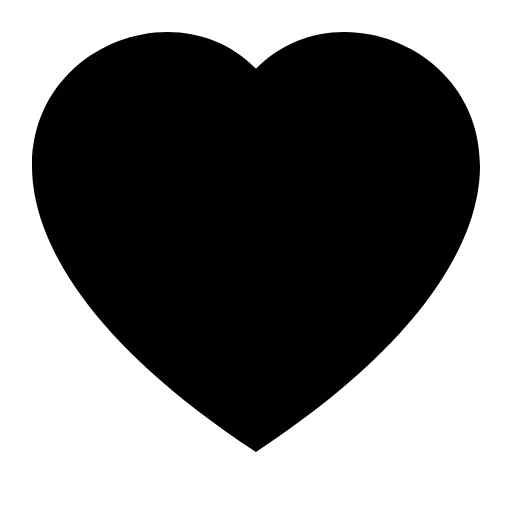
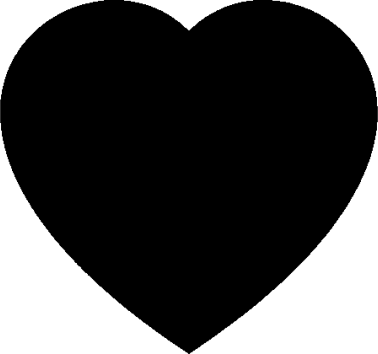
Closed outlines, at the size you choose.
This JPG to DXF converter traces monochrome artwork into closed line contours. Enter a target width or height in mm or inches; internal geometry uses mm. It does not infer the original drawing dimensions from pixels or DPI.
What is inside the DXF?
- File profile
- AutoCAD 2000 ASCII · AC1015
- Geometry
- Closed LWPOLYLINE contours; straight segments
- Units & orientation
- Millimetres; upward Y axis
Convert, size, then check the import.
Separate the artwork from its background
Choose a JPG/JPEG or PNG. Adjust the threshold, especially around compressed edges and small holes.
Set the artwork size
Trace, inspect the outline, then enter one dimension. The size uses the foreground bounds, not the full image canvas.
Import and measure the DXF
Download DXF and check mm units, width, height, orientation and every hole in the target software before cutting.
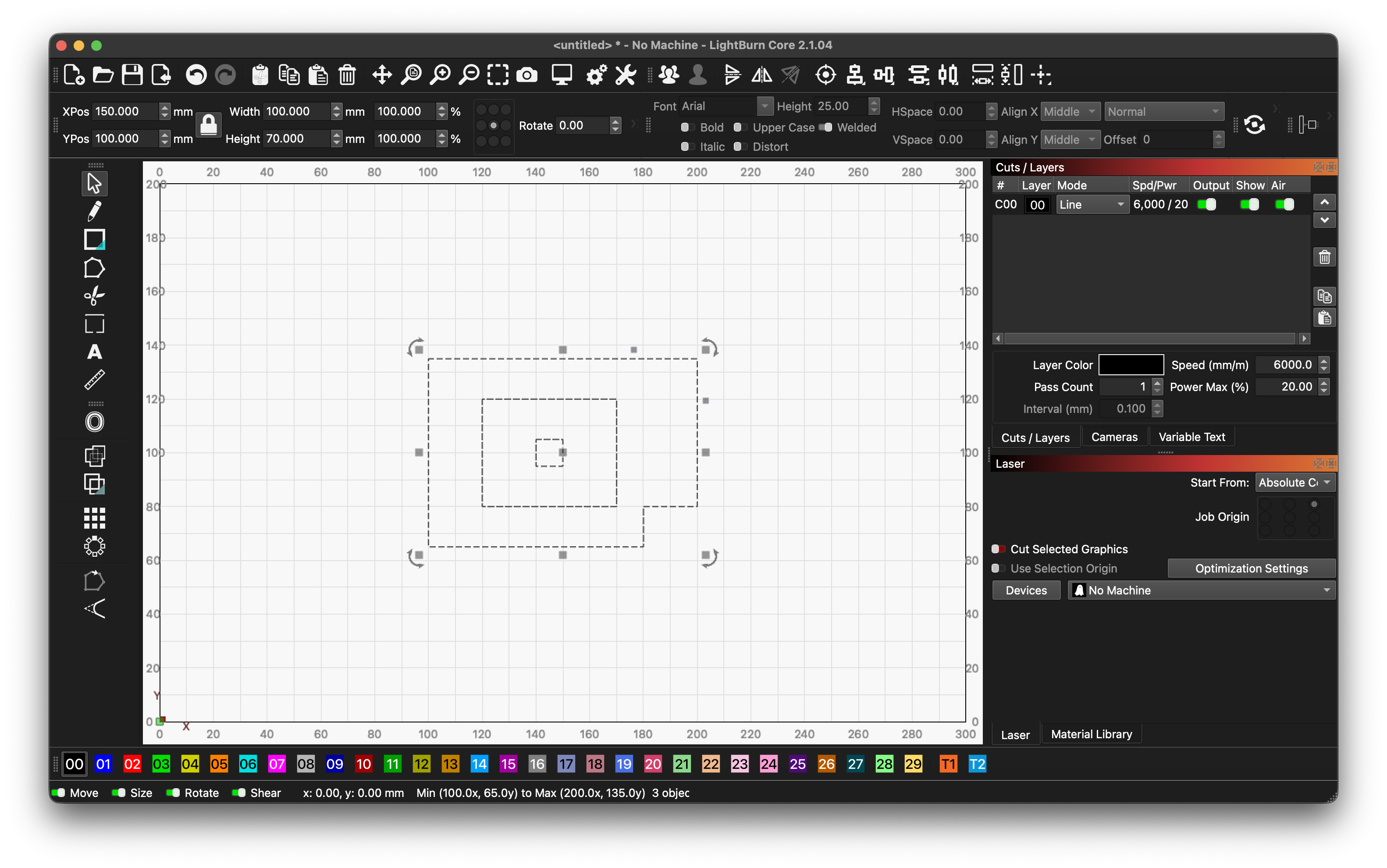
See the file in LightBurn.
This 100 × 70 mm example keeps its size, holes, separate part and orientation after import. Download the same file and compare your import with the screenshot.
For your own artwork, check the width, height, holes and orientation in the target software before cutting.
Questions & answers
Why is an imported DXF 25.4 times too large or small?
A factor of 25.4 suggests mm/inch interpretation. This DXF declares millimetres. Check the target application’s unit settings and measure against your intended size; do not blindly rescale an unmeasured file.
Does JPG to DXF recover a technical drawing?
No. It traces pixel boundaries into closed contours. It does not recover dimensions, text, layers, arcs or centreline geometry from a scanned drawing.
Has LightBurn import been tested?
A 100 × 70 mm example was checked in LightBurn 2.1.04 Core: both SVG and DXF kept their size, holes and orientation. Download the same files to repeat the check; inspect your own artwork after importing.
Why are JPG edges jagged or noisy?
JPG compression and low resolution can create extra pixels. Try a cleaner source, adjust the threshold and compare small details. Reduce nodes replaces some short steps with straight segments; it does not restore curves.